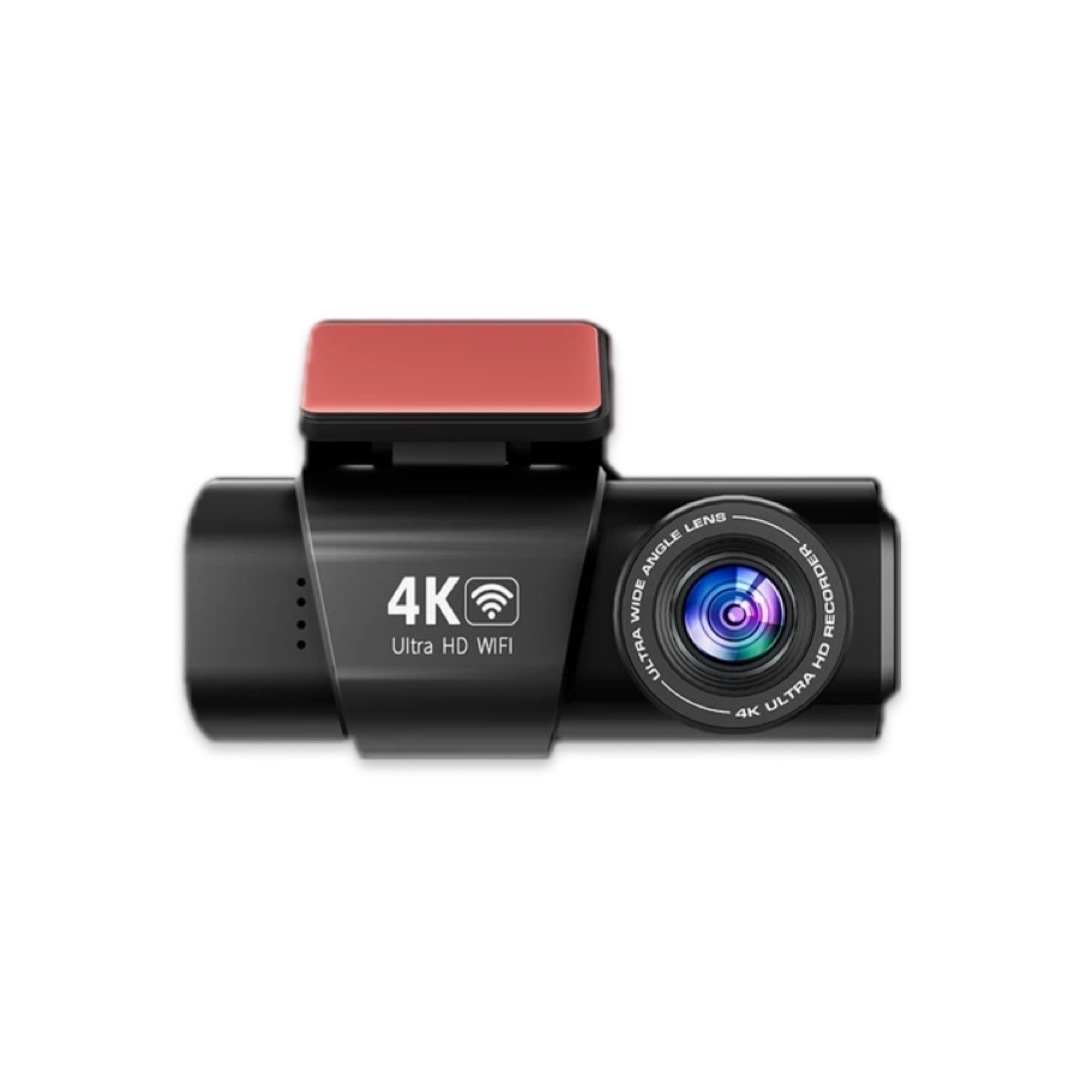
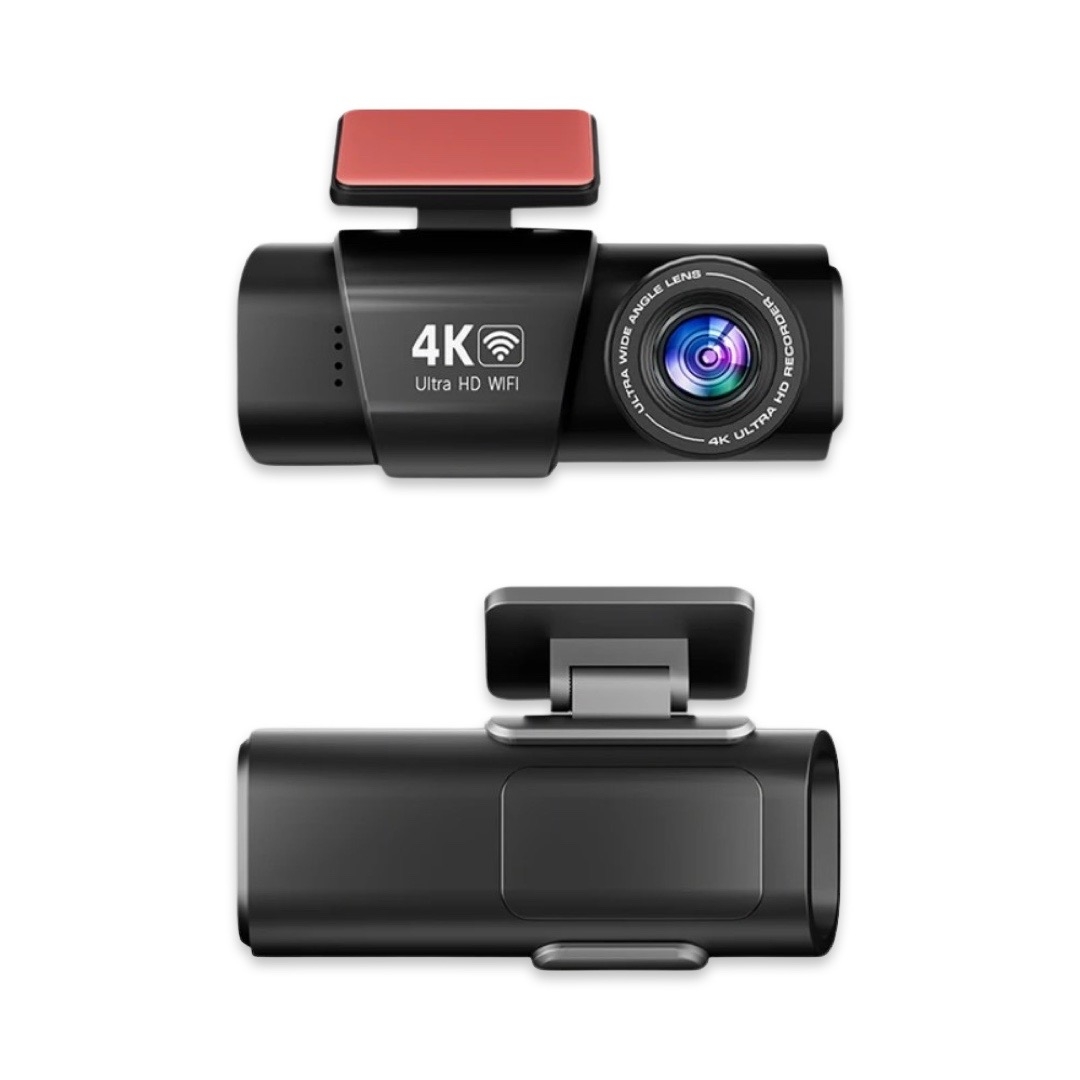
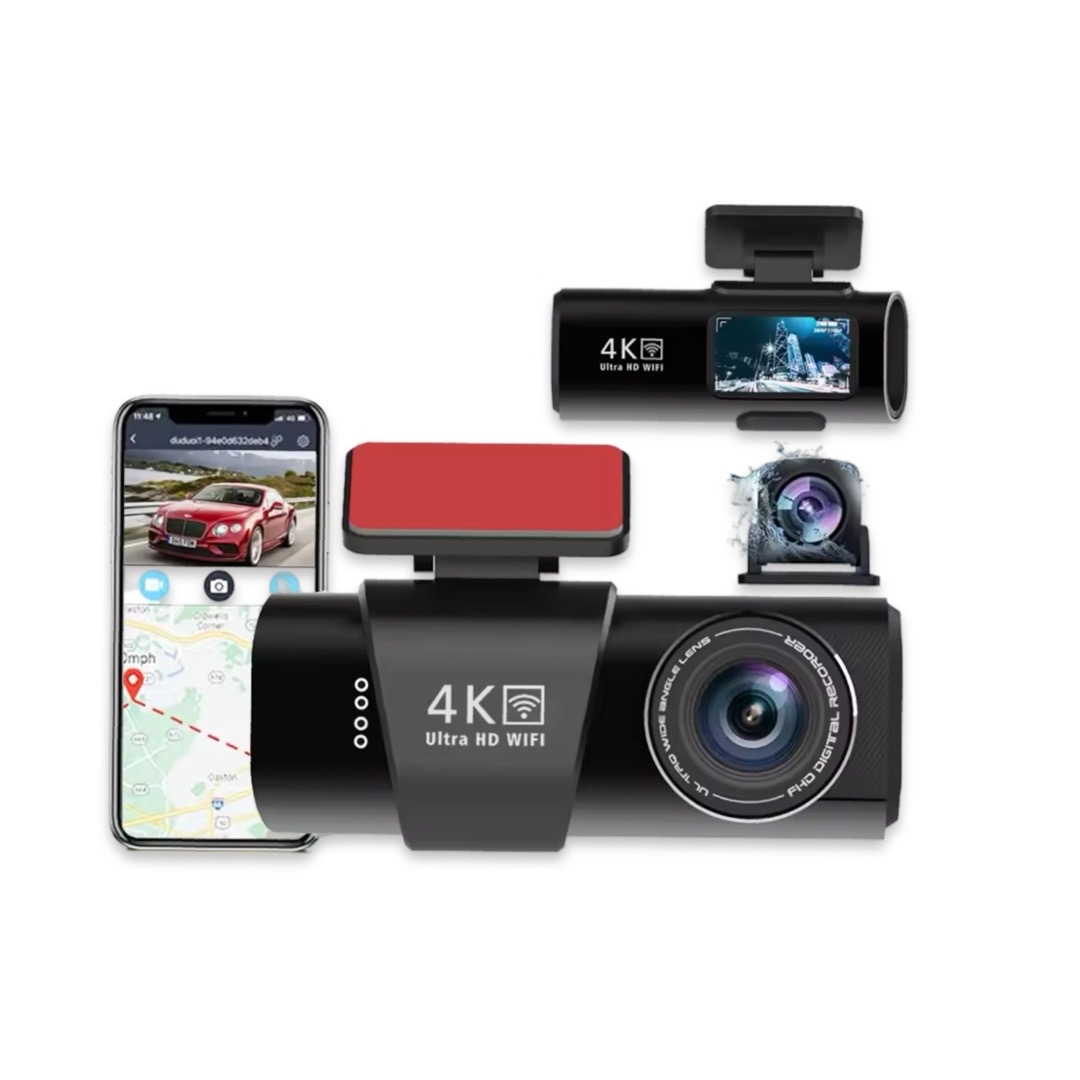
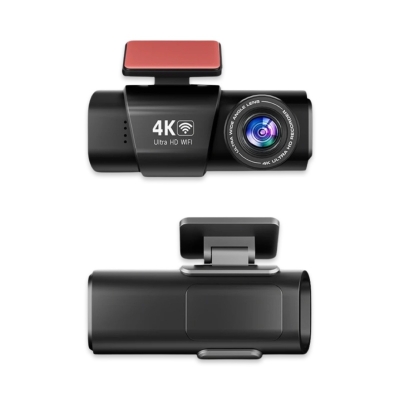
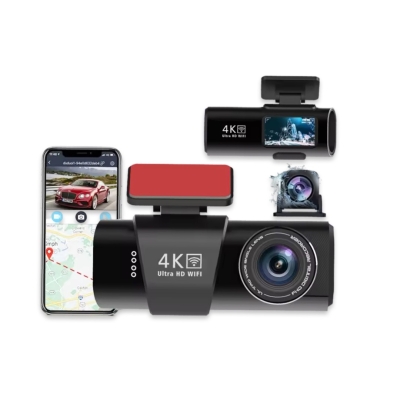
About WIFI Connection:
1. Before connecting to the DVR on the phone, it is necessary to install the WIFI connection app "Viidure APP" in advance.You can search for "Viidure" installation in the Apple App Store or Google App Market.
2.Open the "Viidure" APP on your phone, enter the configuration mode, turn on the wifi function of the phone, follow the prompts to find SSID wifi signal of the DVR and enter the password(12345678) to connect;
3.After successful configuration, you can connect and operate the DVR through the "Viidure" APP.
About The Installation And Use Of GPS:
1. Connect the GPS module to the DVR;
2. Install the DVR on the car and start the recording mode. Start the car outdoors and drive for a certain distance. The GPS module will automatically capture the satellite signal and the DVR will automatically record the video with the GPS driving track.
Video Playback Of GPS Tracks:
1. Install the GPS dedicated video player "Hit GPS Player" on your computer. Please enter the link below in your computer browser to download and install;
Download link: https://pcgps.ce2ce.com/hit/hitplayer.html
2. Open the recorded DVR video with GPS track information on the computer through "Hit GPS Player" to play back the GPS driving track.
 EN − EUR